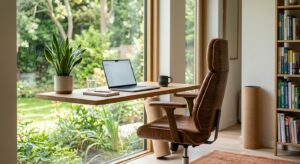


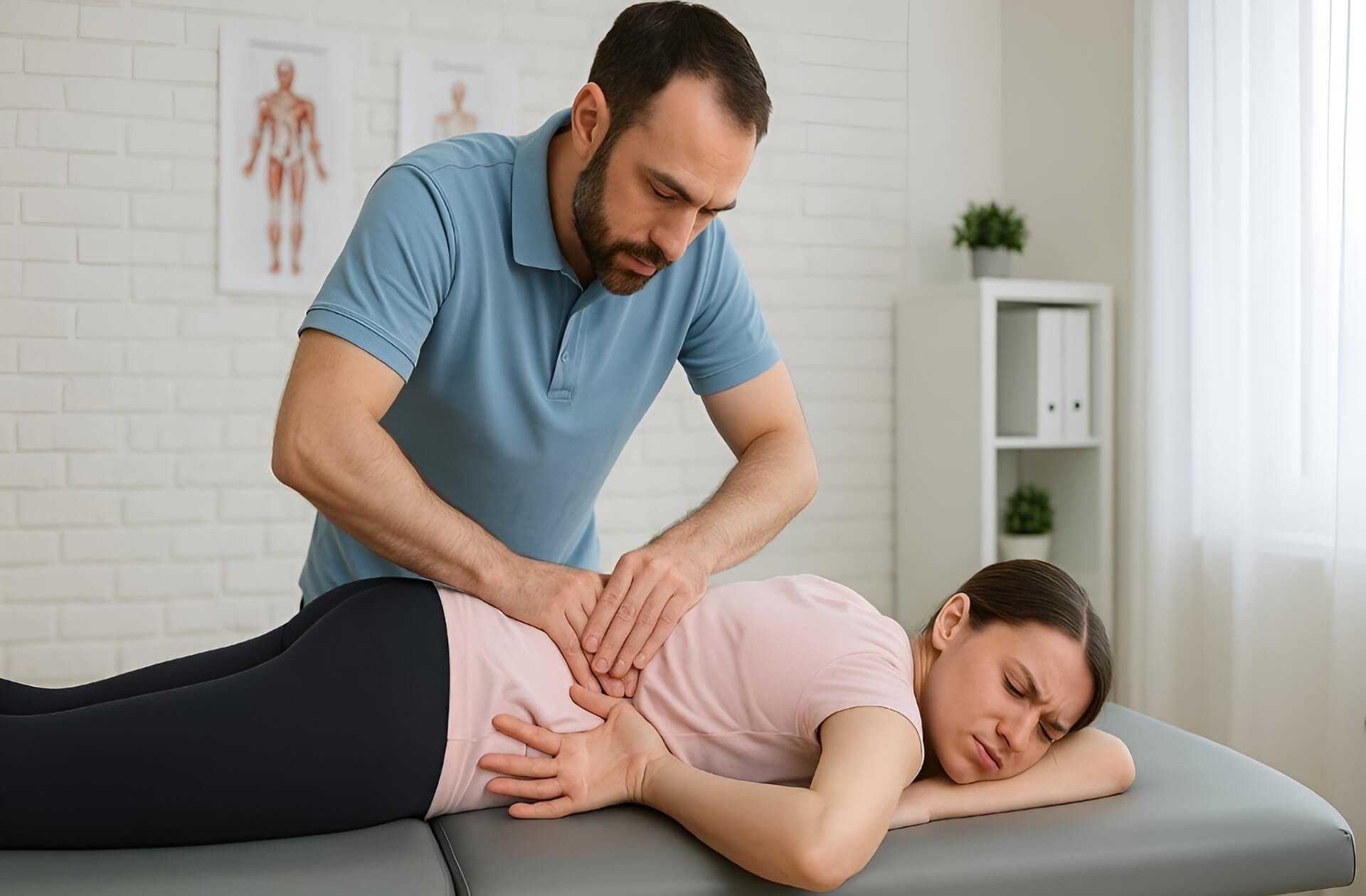
The standing desk vs sitting desk debate is one of the most common conversations at lower back pain treatment Sydney clinics. Office workers arrive convinced that switching to a standing desk will solve persistent back pain, or equally convinced it will make things worse.
Spine and Posture Care assesses Sydney CBD office workers with desk-related back pain daily. The clinical reality is more nuanced than either camp suggests. Understanding it leads to a much better outcome than simply swapping one desk for another.
The Short Answer: It Is Not the Desk, It Is the Duration
Neither a standing desk nor a sitting desk is better for back pain when used exclusively. The research and clinical evidence consistently point to the same conclusion. The spine does not tolerate being held in any single static position for extended periods, whether that position is seated or upright.
A standing desk used exclusively for eight hours loads the lumbar spine through sustained compression. It causes fatigue-related collapse just as a sitting desk does. A sitting desk used exclusively for eight hours increases lumbar disc pressure, shortens the hip flexors, and progressively degrades posture through the day.
The desk type matters far less than three things: how long each position is held, how the transition between positions is managed, and whether the ergonomic setup is correct for each position. The sections below cover all three in detail.
What Prolonged Sitting Does to the Spine
Disc pressure and lumbar loading
The intervertebral discs between the lumbar vertebrae act as load-bearing cushions. Research from biomechanist Alf Nachemson established that disc pressure in a seated position is roughly 40 per cent higher than in upright standing. In a forward-leaning seated position, that pressure increases further still.
Safe Work Australia identifies sitting for longer than 30 minutes without a break as likely harmful. Over 7 hours of sedentary behaviour daily is flagged as too much. According to the Australian Institute of Health and Welfare, 44 per cent of working-age Australians spend much of their workday sitting. For Sydney CBD workers who then commute by car or public transport, the total daily sitting time regularly exceeds those thresholds.
Hip flexor shortening and postural collapse
The hip flexors connect the lumbar vertebrae to the femur. In a seated position they are held in a shortened state. Over a 4 to 8 hour workday, they adapt to that shortened length. When the worker stands, the shortened hip flexors pull the pelvis into an anterior tilt. This compresses the lumbar facet joints and exaggerates the lower back curve. Alternatively, a posterior pelvic tilt in a poorly supported chair flattens the lumbar curve and loads the discs asymmetrically.
Either pattern, sustained across months and years of desk work, is a reliable pathway to chronic lower back pain.
Why sitting pain compounds through the day
The muscles that maintain spinal alignment, specifically the deep multifidus and transverse abdominis, disengage during prolonged sitting. The passive structures, the discs, ligaments, and facet joint capsules, absorb the load instead. Unlike active muscle tissue, passive structures do not fatigue and recover in the same way. They accumulate stress. By mid-afternoon, a worker who has been sitting since 9am has passive spinal structures that are significantly more loaded than at the start of the day. This is why back pain often peaks in the late afternoon rather than the morning.
This pattern also drives neck pain treatment presentations. As lumbar posture degrades through the day, the thoracic spine rounds and the head migrates forward. For every 2.5 centimetres of forward head migration, the effective load on the cervical spine increases by roughly 4 to 5 kilograms. The neck and lower back are connected through posture, not just anatomy.
What Prolonged Standing Does to the Spine
Lower back compression in extended standing
Standing is not a neutral spinal position. In upright standing, the lumbar spine maintains a natural inward curve that loads the facet joints at the back of each vertebral segment. This is manageable for moderate durations. Over extended standing, particularly without regular weight shifting, the facet joint loading becomes cumulative and the paraspinal muscles begin to fatigue.
Standing also activates the hip flexors differently from sitting but still loads them. A worker who stands with a slight forward lean (the natural tendency when working at a keyboard) increases both lumbar and hip flexor load significantly. This is compared with a worker standing with correct upright alignment.
Fatigue, calf tension, and hip shift
Most workers cannot sustain correct standing posture for more than 20 to 30 minutes before compensating. The most common compensation patterns are shifting weight onto one hip, locking the knees in extension, and leaning forward onto the desk. Each of these distributes spinal load asymmetrically. Weight shifted to one hip creates a lateral pelvic tilt and compensatory lumbar scoliosis. Locked knees reduce the natural shock absorption of the lower limb and increase jarring through the lumbar spine. Leaning forward increases disc pressure at the lumbar levels almost as much as a forward-leaning seated posture.
Extended standing also tightens the calf muscles and Achilles tendon, which affects ankle dorsiflexion, which in turn influences hip and lumbar mechanics. The kinetic chain connects foot to spine. Calf tightness from prolonged standing reduces ankle dorsiflexion, which in turn affects hip and lumbar mechanics. This can contribute to lower back pain through reduced movement quality at the ankle and hip.

Standing Desk vs Sitting Desk: Side-by-Side Comparison
The table below compares the two desk types across the factors most relevant to back pain. All assessments assume correct ergonomic setup and moderate duration use.
| Factor | Sitting Desk | Standing Desk |
|---|---|---|
| Lumbar disc pressure | Higher (approx. 40% above standing baseline) | Lower at rest, rises with fatigue posture |
| Hip flexor loading | High: sustained shortening in seated position | Moderate: standing lengthens hip flexors |
| Muscle activation | Low: core and glutes disengage during sitting | Higher: stabilisers more active when standing |
| Fatigue onset | Slower initially, builds through 2+ hours | Faster: muscles fatigue within 30–60 min |
| Postural collapse risk | High after 45–60 min without movement | High after 20–30 min without weight shift |
| Neck and upper back load | High: forward head posture develops with lumbar collapse | Moderate: better if monitor at eye level |
| Sciatica aggravation | High: sustained disc pressure on nerve roots | Low-moderate: reduces disc pressure |
| Bulging disc | Worsens with prolonged sitting: increases disc load | Generally better: reduces disc compression |
| Lower back muscle pain | Moderate: muscles fatigue and cramp in static position | Moderate: different muscle groups fatigue |
| Setup complexity | Moderate: chair, monitor, keyboard alignment | Higher: monitor height, footwear, matting |
The pattern this table reveals is consistent with what Spine and Posture Care assesses clinically. Sitting desks create more disc-related loading while standing desks create more muscle fatigue and compensatory loading. Neither is suitable as an exclusive workstation. Both are suitable as part of a varied-position day.
Which Desk Setup Is Better for Your Specific Back Problem?
The type of desk that helps most depends on the underlying cause of the back pain. This is where the generic advice from most guides breaks down.
Lower back muscle pain
Muscle-dominant lower back pain is characterised by stiffness and aching that worsens with prolonged static posture in either direction. This presentation typically responds well to a sit-stand desk that forces regular position changes. Neither prolonged sitting nor prolonged standing suits this presentation. The movement itself, transitioning between positions every 30 to 45 minutes, is more therapeutic than either position alone. Anti-fatigue matting and correct footwear during standing periods reduce the muscular load on the lumbar stabilisers.
Bulging or herniated disc
A bulging disc is sensitive to loading in flexion, which is the position the lumbar spine adopts during prolonged sitting. For most people with a lumbar disc bulge, standing reduces the compressive load on the affected disc and relieves pressure on the adjacent nerve roots. Standing desk use, with appropriate limits on standing duration, is generally preferable to prolonged sitting for this presentation. However, if the standing posture collapses into lumbar hyperextension, this increases posterior disc load and can worsen some disc presentations. Correct posture at the standing desk is non-negotiable for disc-related pain.
Those considering the implications of a disc injury should read more about bulging disc treatment before making changes to their workstation setup independently.
Sciatica
Sciatica from lumbar disc compression responds similarly to disc pain generally. Prolonged sitting worsens it by increasing disc pressure on the affected nerve root. Standing reduces that pressure. However, piriformis-related sciatica can be worsened by prolonged standing if the worker habitually shifts weight onto one hip and tightens the piriformis on that side. Identifying the source of sciatic symptoms before making a desk decision is important.
Poor posture and thoracic rounding
Forward head posture and thoracic rounding respond well to standing desk use because standing, when done correctly, naturally encourages a more upright thoracic position. Many workers with thoracic kyphosis who switch to a standing desk and correct their monitor height report reduced upper back and neck tension within weeks. The key qualifier is monitor height. If the monitor is not raised to eye level on a standing desk, the neck drops into the same flexion pattern as at a sitting desk, negating the postural benefit.
Spine and Posture Care assesses each of these presentations individually. The desk recommendation is one part of the management plan, not the whole of it.
The Sit-Stand Ratio: How Long to Sit and How Long to Stand
Research consensus, referenced in Safe Work Australia’s guidance on sitting and standing, identifies a progressive approach as the most effective and sustainable. The recommended starting point is to build toward 2 hours of standing and movement across an 8-hour workday, then progress toward 4 hours over time.
This does not mean standing for two continuous hours. It means accumulating standing time across the day in blocks of 20 to 45 minutes, alternating with seated periods of similar duration. The transitions themselves are beneficial. Getting up and sitting down activates the hip extensors, glutes, and lumbar stabilisers in ways that sustained sitting or sustained standing does not.
Practical markers for position changes:
Breaking position every 30 minutes is the minimum threshold for avoiding the harmful effects of prolonged sitting. Setting a timer, using a desk that prompts movement, or standing for phone calls and brief reading tasks are all effective strategies. These accumulate toward the daily target without disrupting work flow.
The 30-minute rule applies in both directions. Standing for more than 30 to 45 minutes without a weight shift or brief walk allows fatigue-related postural collapse to develop, which loads the spine almost as much as the sitting posture it was meant to replace.
Standing Desk Ergonomic Setup Checklist
A standing desk set up incorrectly causes as much spinal loading as a poorly configured sitting desk. The checklist below covers the key adjustment points for a standing workstation.
| Adjustment | Correct Setup | Why It Matters |
|---|---|---|
| Desk height | Elbows at 90 degrees when hands rest on keyboard | Prevents shoulder elevation and upper trapezius loading |
| Monitor height | Top of screen at eye level | Eliminates forward head posture and cervical loading |
| Monitor distance | Arm’s length (approximately 50–70 cm) | Prevents squinting forward lean that rounds the thoracic spine |
| Foot position | Feet hip-width apart, weight even across both feet | Prevents hip shift and asymmetric lumbar loading |
| Knee position | Soft bend, not locked in extension | Maintains lower limb shock absorption |
| Anti-fatigue mat | Used on hard floors; not essential on carpet | Reduces calf and lumbar fatigue on concrete and tile |
| Footwear | Supportive, flat or minimal heel | High heels increase lumbar lordosis and facet joint loading at standing desk |
| Weight shifting | Shift weight or walk briefly every 20–30 min | Prevents calf tightness and static muscle fatigue |
Sitting Desk Ergonomic Setup Checklist
The sitting desk setup receives far less attention than the standing desk in most guides. This is a gap, because most workers still spend the majority of their day seated even with a sit-stand desk.
| Adjustment | Correct Setup | Why It Matters |
|---|---|---|
| Chair height | Feet flat on floor, hips at or slightly above knee level | Prevents posterior pelvic tilt and lumbar flattening |
| Lumbar support | Adjusted to fill the natural inward curve of the lower back | Maintains lumbar lordosis and reduces disc pressure |
| Seat depth | 2–3 finger widths between seat edge and back of knee | Prevents circulation restriction and pelvic tipping |
| Monitor height | Top of screen at eye level | Eliminates forward head posture |
| Monitor distance | Arm’s length (approximately 50–70 cm) | Prevents forward lean and thoracic rounding |
| Keyboard position | Elbows at 90 degrees, wrists neutral | Reduces shoulder elevation and upper back tension |
| Feet | Flat on floor or on a footrest | Prevents hip flexor overloading from dangling feet |
| Position breaks | Stand and walk every 30 minutes | Resets hip flexor length and lumbar disc pressure |
Desk-related back pain that has not resolved with ergonomic changes needs a clinical assessment. Spine and Posture Care offers new patient assessments at Macquarie Street and Barangaroo in Sydney CBD, Monday to Saturday. Call (02) 8040 9922 or book a new patient appointment to get a clear diagnosis and a plan that addresses the actual cause.
Movement Is the Real Answer
Both checklists above share one entry: take a position break every 30 minutes. This is not an ergonomic tip. It is the single most evidence-supported intervention for desk-related back pain. The research consistently shows that the frequency of position change matters more than the ergonomic quality of any single position.
A worker with a poorly set up standing desk who transitions to sitting every 25 minutes will likely have less back pain than a worker with a perfect ergonomic setup who remains in it for three unbroken hours. The spine is designed for movement. Prolonged static loading in any position, however well supported, depletes the nutrient exchange mechanism of the intervertebral discs. The discs rely on compression and decompression cycling to draw in fluid and nutrients from the surrounding tissue.
Movement does not need to be exercise. Walking to a colleague’s desk rather than emailing, standing for a phone call, doing a brief hip flexor stretch in the doorway, or even just shifting weight from one foot to the other at a standing desk all contribute. The target is not a specific posture. It is a varied load pattern across the whole working day.
Conclusion: What the Research Actually Says About Desks and Back Pain
The research on standing desks is positive but conditional. Studies have found meaningful reductions in lower back pain among workers who switched from exclusive sitting to alternating sit-stand desk use. Those reductions are associated with the alternating pattern, not with standing itself. Workers who replaced sitting exclusively with standing did not show the same results. The benefit is in the variety.
For Sydney CBD office workers dealing with persistent desk-related back pain, the desk choice is one variable among several. Spinal alignment, core activation, hip flexibility, and the cumulative effect of commuting posture all contribute to the clinical picture. The guide on improving your posture and spinal health covers the deeper relationship between the spine and the muscles that support it, which is often the layer that desk ergonomics alone cannot reach. Spine and Posture Care provides new patient assessments at two Sydney CBD locations with appointments available Monday to Saturday.
Spine and Posture Care is located at 139 Macquarie Street Sydney CBD and Level 35, 100 Barangaroo Avenue. Call (02) 8040 9922 to speak with a chiropractor, or Book Online for a same-week appointment. The initial assessment includes a full spinal examination, posture analysis, and a clear diagnosis before any treatment begins.
Frequently Asked Questions
1. Will switching to a standing desk fix my lower back pain?
Switching to a standing desk will help some people and make no difference for others, depending on the cause of the back pain. If lower back pain is driven primarily by disc compression from prolonged sitting, a standing desk that reduces sitting time will typically reduce symptoms over weeks to months. If the pain is driven by poor spinal alignment, tight hip flexors, weak core stabilisers, or an underlying condition like spinal stenosis, the desk change alone will not address the cause. Standing desks also only help when used correctly: a standing desk that causes a worker to stand with collapsed posture, locked knees, or weight shifted onto one hip may actually worsen the pain that prolonged sitting was causing. The most reliable approach is to get a clinical assessment that identifies the specific cause of the pain before making a major workstation change, so the change can be targeted to the actual problem rather than assumed to help.
2. Can standing desks make back pain worse?
Yes, in several specific circumstances. For workers with lumbar spinal stenosis, a condition where the spinal canal is narrowed and standing increases the compression of the neural structures, prolonged standing reliably worsens symptoms. Extended standing also worsens back pain in workers who habitually stand with hyperextension of the lumbar spine, as this increases facet joint loading and can aggravate facet joint arthritis. Workers who stand with significant weight shift to one side develop asymmetric hip and lumbar loading that can cause or worsen one-sided lower back and hip pain. And workers who stand at a desk that is too low, forcing a forward lean, recreate much of the disc loading pattern of a slouched sitting posture. Getting the height, posture, and duration right is what determines whether a standing desk helps or hurts. Using one without addressing these factors is not guaranteed to improve back pain.
3. How long should I stand at a standing desk before sitting down?
Most workplace health research and ergonomic guidance recommends standing for 20 to 45 minutes before transitioning to sitting for a similar period. Starting conservatively at 20 minutes is sensible for workers new to standing desks because the stabilising muscles of the lower limb and trunk need time to build endurance. Moving too quickly to long standing periods causes muscular fatigue that leads to the compensatory postures (hip shift, locked knees, forward lean) that create or worsen back pain. The overall daily target, based on current research, is to accumulate 2 hours of standing and movement across the workday initially, building toward 4 hours over months. This should not be interpreted as two or four continuous hours of standing. It is the total accumulated standing time spread across multiple short periods throughout the day. The transition between sitting and standing is itself beneficial for the spine, so frequent short transitions are more effective than fewer long ones.
4. Is a standing desk good for a bulging disc?
For most lumbar disc bulges, yes. A lumbar disc bulge is a condition where the outer fibrous ring of the disc allows the inner nucleus to migrate outward, which can press on adjacent nerve roots. Sitting increases the pressure on the disc significantly compared with standing, which is why people with disc bulges typically find that sitting, especially in a slouched or forward-leaning position, aggravates their pain. Reducing sitting time with a standing desk lowers that compressive load and often reduces symptoms. The important caveat is that the standing posture must be correct. Standing with hyperextension of the lower back (an exaggerated inward curve) increases posterior disc pressure and can push a posterior or posterolateral bulge further toward the nerve root. Standing tall with a neutral lumbar curve, soft knees, and weight even across both feet is the target posture. If the standing posture is painful rather than relieving, a clinical assessment of the disc is needed before continuing with a standing desk.
5. What is the correct height for a standing desk to avoid back pain?
The correct height for a standing desk is the height at which the elbows are at approximately 90 degrees when the hands rest naturally on the keyboard, with the shoulders relaxed and not elevated. For most people this places the desk surface at roughly elbow height when standing with normal posture. The monitor then needs to be raised separately so the top of the screen is at eye level. If the monitor sits on the desk surface without a riser, the screen will typically be too low, causing the neck to drop into flexion and creating the same cervical loading pattern as a poorly set up sitting desk. Many workers set the desk height correctly for their arms but then look down at the screen for eight hours, which negates the postural benefit of standing. A monitor riser or an adjustable monitor arm is as important as getting the desk height right. The height should be rechecked whenever shoes with significantly different heel heights are worn, as footwear affects standing height and therefore correct desk height.
6. Do I need an anti-fatigue mat with a standing desk?
An anti-fatigue mat is beneficial on hard floor surfaces such as concrete, tile, or hardwood, where prolonged standing creates significant calf and lumbar fatigue through impact transmission. On carpeted floors, the carpet and underlay typically provide enough cushioning to make a dedicated anti-fatigue mat unnecessary. The primary function of an anti-fatigue mat is to encourage subtle ongoing micro-movements of the lower leg muscles while standing, which improves circulation and reduces the static muscle loading that leads to fatigue and postural collapse. High-quality anti-fatigue mats have a slightly unstable or cushioned surface that prompts these micro-movements passively. Flat, rigid mats provide some cushioning but less of the postural benefit. If budget is a consideration, the higher priority purchase is typically a monitor riser and an adjustable chair with proper lumbar support, as the postural setup has a larger impact on back pain than the floor surface beneath the desk.